After flying around 25 years on Vatsim exclusively, I tried also the new technology of AI, which is powering the ATC product Sayintenstions.AI and I must say I am really impressed with this full ATC from gate to gate based on real procedures solution.
They are constantly updating the product and also include multiplayer traffic.
I finished the migration to MSFS2024 quite fast. I had not expected that.
Nearly all was working instantly. Only the simconnect need to be adopted that programs running on other machines can connect to the MSFS2024 sim again via network.
Mobiflight has been updated and the wet compass needed to be calibrated via Mobiflight again.
With the RTX2080 card I get around 90fps, which is more then enough to fly with Vatsim or Sayintentions.AI network.
During a setup test of SayIntensions.ai I needed to transfer audio from my pc, where the headsets and speakers for ATC are connected, to the main Prosim/MSFS machine, where the Sayintenstion.ai client software is running.
I am using voicemeeter Potato as a donation ware since years on the pc, where the headsets and hand mics are connected to merge all the mics into one Windows useable MIC in setting for vpilot, same goes in the output direction.
Voicemeeter Banana and Potato are coming with a software option called VBAN, this allows to transfer a voice stream via network to another pc, which picks up the stream and sends it directly to a software or an hardware output device.
I used that for two use cases in my cockpit.
– send the GSX Ground communication to the headsets of pilot and FO / speakers in the flightdeck
– send the ATC for Sayintenstions.AI to the client which is running on another machine
This video helped me to understand how VBAN is working
During the last weeks I started working on the FS2020 setup in the flightdeck. First I was very curious about it, but slowly it was getting more positive. Not all functions from the P3Dv5 setup are working at the moment and new versions of SIOC, etc needed to be implemented, but its on a good way.
So I set the road to start the migration process slowly. GSX is still missing and is a valuable keypoint in the the immersion of the whole usage of the sim.
As I started lately flying again in the flightdeck I also cought up to the streaming “hype”. As some of you already know my setup, I think I can inspire some of those who are thinking of a homecockpit building project.
If you are interested, jump over in the chat when I am flying. On the sidebar to your right, there is the actual status of the stream.
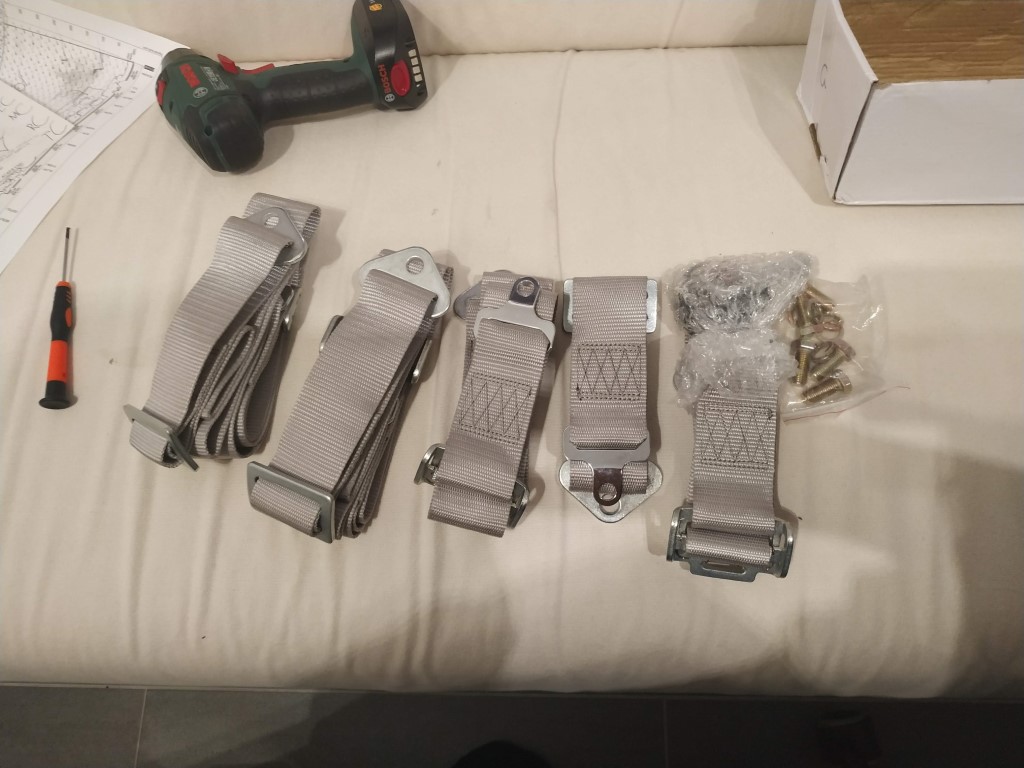
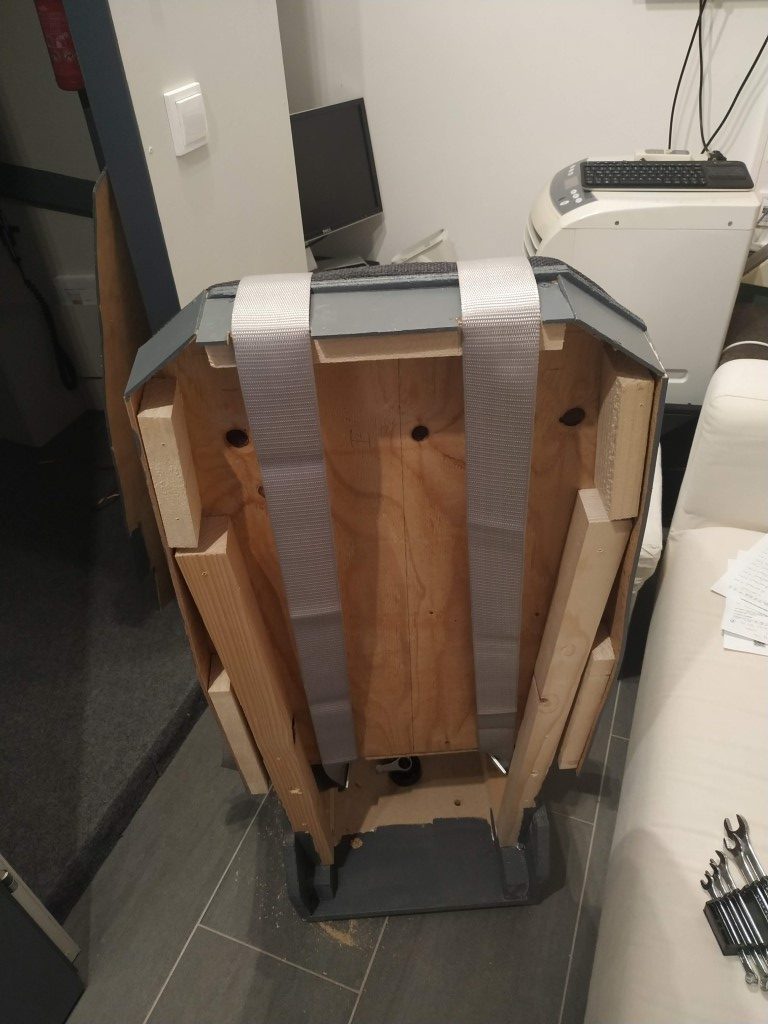
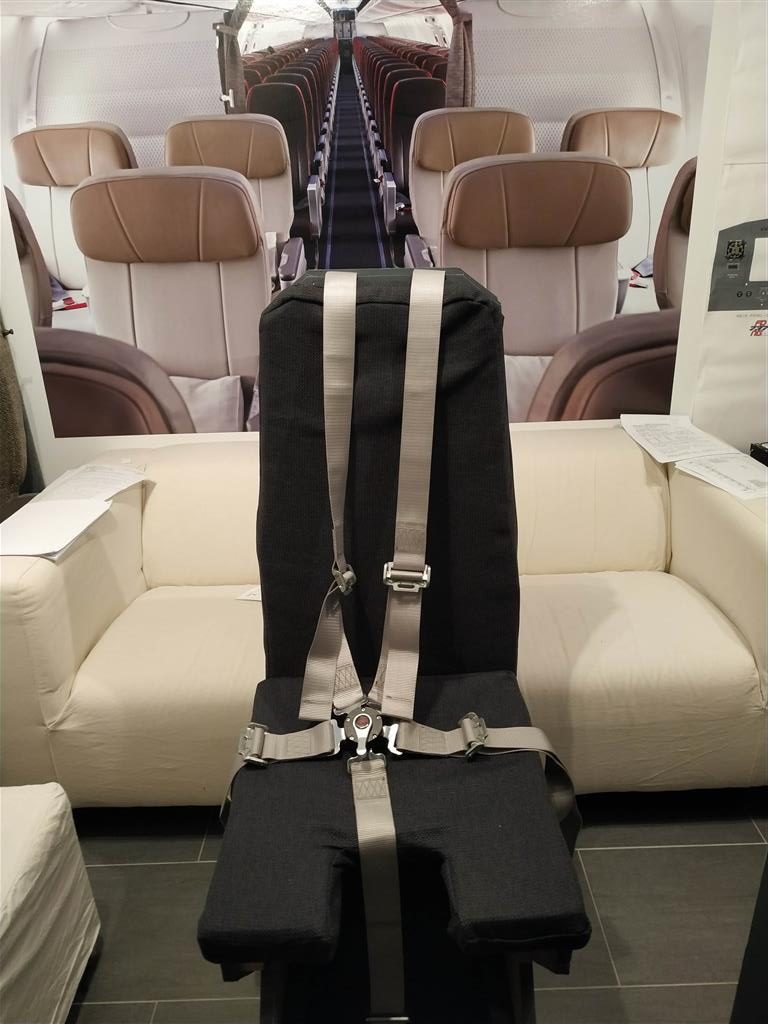
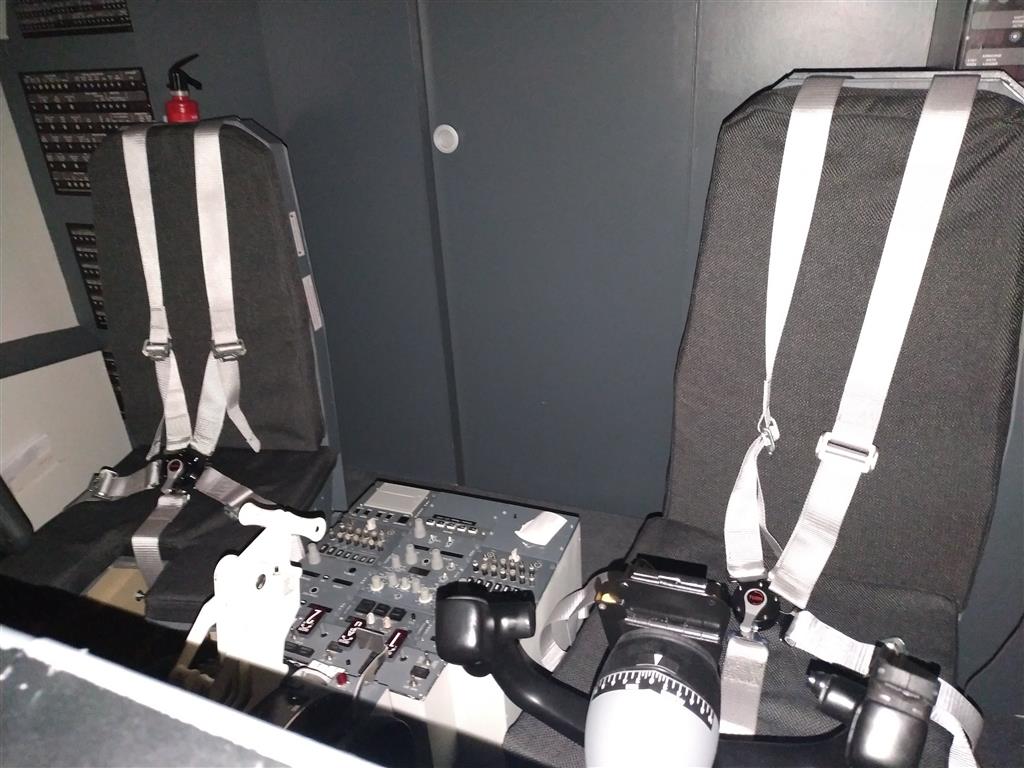
My latest addition to the flightdeck are Seatbelts for the Captains and FO seat. The seatbelts are from cleartosim in Spain. Great contact, provided a lot of info in the pre-sales progress and fast shipping.
Installing them in the correct way was not that complicated.
I removed the back cover and mounted the shoulder part with the already existing bolts of the seat. Some small additions need to be done to the FO seat, as this was my prototype 😉
For the side parts I have drilled new holes and mounted them on the seat.
Looks now better, feels better and a next step to more reality in the flightdeck.
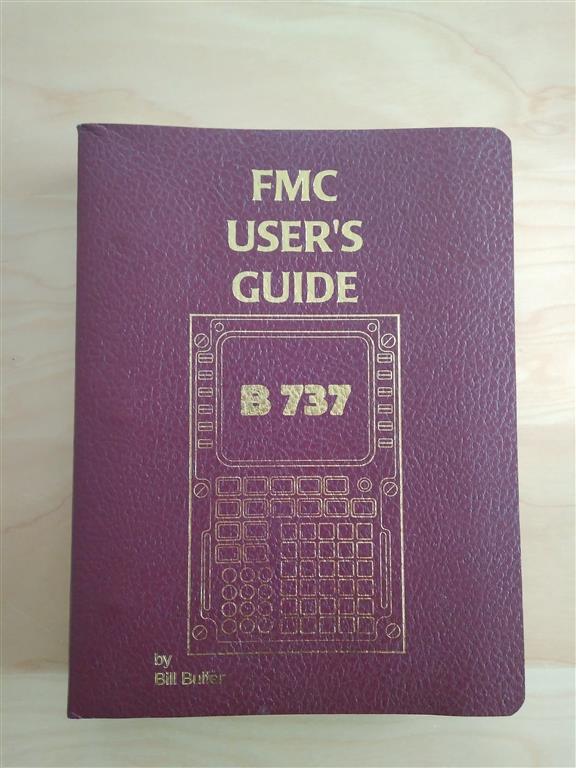
Since a couple of years I owned the 737 Cockpit Companion from Bill Bulfer.
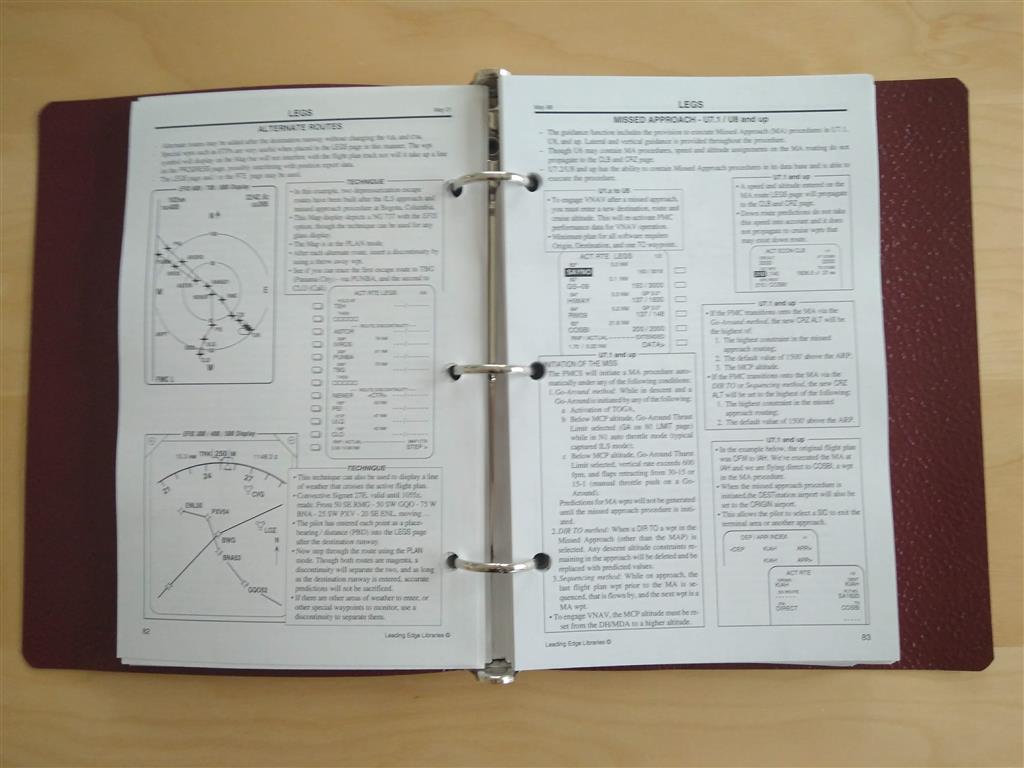
I searched for a second hand FMC Guide from Bill Bulfer also a couple of years. Now I found an good edition. It covers all menues and handling from the FMC. I already knew 70% (I would guess 😉 ) Now I can search for additional information and get a deeper knowledge of the areas.
During the last weeks a new payware Addons was released. It’s called SimSounds from Thomas, from the Prosim Forum.
It covers a wide variety of bass shaker sounds like turbulence, touchdown sounds, flaps vibrations and a lot more. It also covers customized cabin announcements, but this part I do no use at this time, as I have my highly customized cabin sounds that are flawless working with Prosim AFAS.
With that I can handle now all the GSX instructions from the iPad with in the flightdeck. It’s also handling all the door settings accoridng the GSX requirement. So you don’t need to open and close doors any more from the flightdeck, as in real life.
![Building a 737-800 Homecockpit [OE-LNJ]](https://737cockpit.info/wp-content/files/2018/06/cropped-IMG_20180602_211333-2.jpg)